
Digital Procedures Software for Leisure Centres | SOPs, NOPs & EAPs
OpsPal’s digital procedures software for leisure centres replaces static paper binders with a cloud-based library for Standard Operating Procedures (SOPs), Normal Operating Procedures (NOPs), and Emergency Action Plans (EAPs). Staff get instant mobile access, every procedure stays version-controlled, and audit-ready read receipts keep your operation compliant with HSE and Quest standards.

































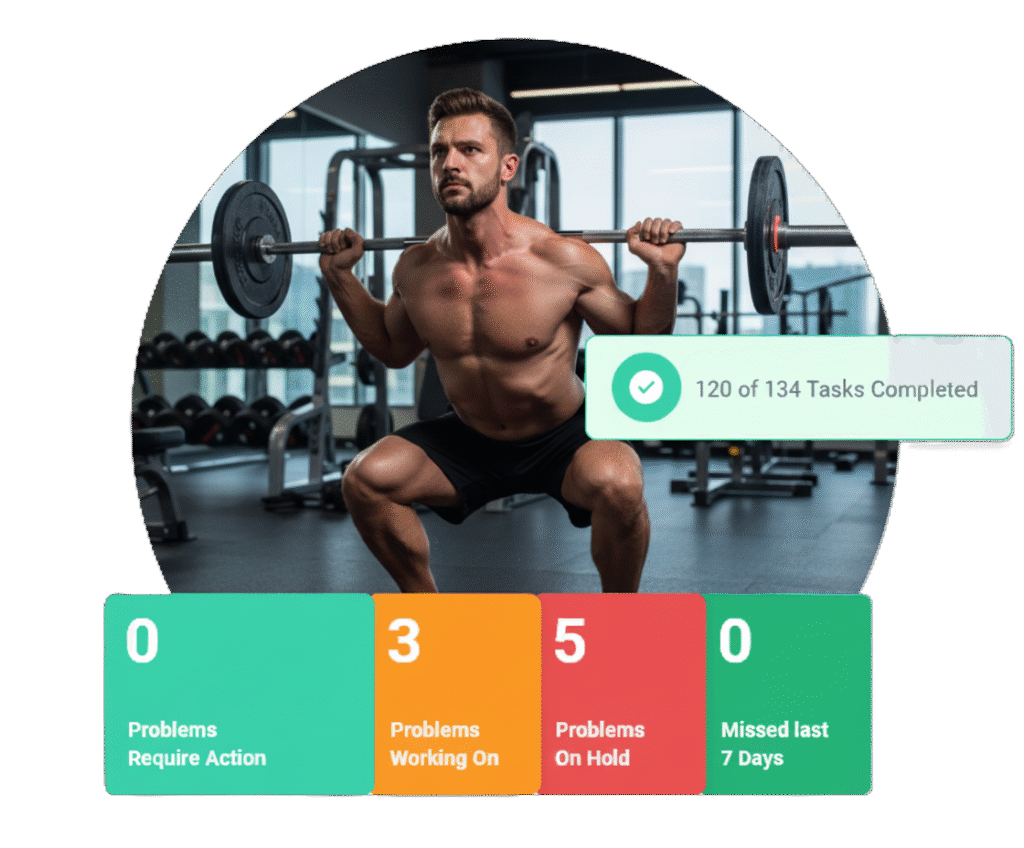
One-click access to critical leisure operation procedures
Managing procedures across leisure centres, swimming pools, gyms and sports facilities means keeping dozens of documents current and accessible — from:
-
Normal Operating Procedures (NOPs) for daily pool and gym safety.
-
Emergency Action Plans (EAPs) for fire, drowning, and first aid responses.
-
Pool Standard Operating Procedures (PSOPs) specifically for wet-side operations.
-
Cleaning Protocols and chemical handling guides.
OpsPal’s digital procedure software centralises everything your team needs in one system. Lifeguards access pool emergency procedures on their mobile devices. Gym instructors view equipment maintenance guides. Receptionists follow customer complaint procedures. Duty managers refer to incident response protocols. Everyone works with the latest version, every time.
Organise procedures by department, role or facility type using categories and subcategories. Link procedures directly to related risk assessments, daily tasks and training requirements, creating an integrated operation system rather than isolated documents. When a lifeguard completes a pool test, they can instantly access the procedure for what to do if chlorine levels are out of range.
Quest and ukactive TAS assessors specifically look for evidence that procedures are communicated effectively and staff can access them when needed — OpsPal provides exactly that audit trail. See how BH Live are using OpsPal
Get set up quickly with your existing procedures
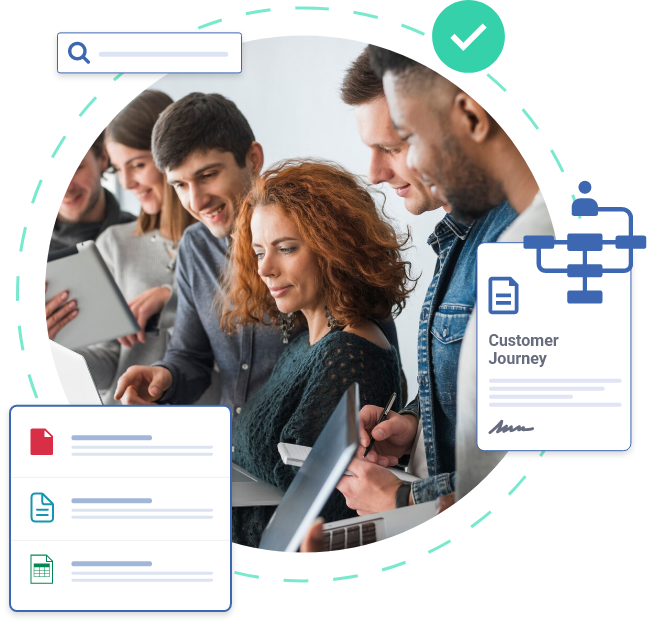
You’ve already invested time creating standard operating procedures, policies and training guides — don’t spend weeks manually rebuilding them in a new system.
-
Upload: distinct “Word Upload” button transfers existing files.
-
Format: Editor retains branding, logos, and colour-coding (e.g., Red for EAPs).
-
Link: Connect procedures to related risk assessments or daily tasks.
-
Launch: Instant distribution to all sites or specific departments.
Quick logo insertion ensures consistent branding across all procedures with minimal effort. The enhanced text editor lets you create the exact format you need — bullet points, numbered lists, checklists, even enriched formatting with colour-coding for different alert levels (ideal for emergency procedures where visual clarity matters).
OpsPal supports comprehensive cross-referencing throughout your procedure library. Embed documents from Gamma presentations, Scribe tutorials, Folge videos, and Microsoft documents (Word, Excel, PowerPoint) directly into procedures. Add hyperlinks to web pages, link to other procedures, risk assessments, training materials, or organisational documents. This creates a connected knowledge base where staff can navigate seamlessly from one document to related information — for example, linking from your pool emergency action plan directly to your first aid procedure, incident reporting form, and emergency contact list.
This means new centres can be onboarded in hours rather than weeks, and updates to procedures roll out across your entire estate immediately.
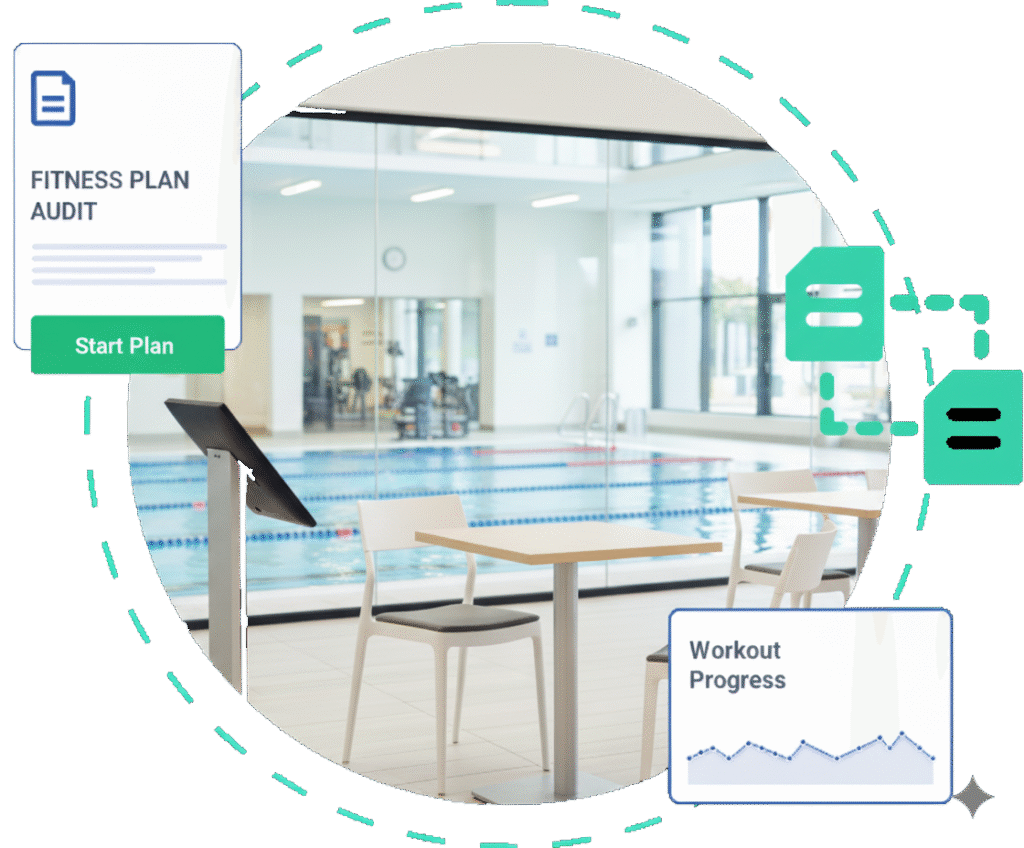
Ensure every team member reads updated procedures
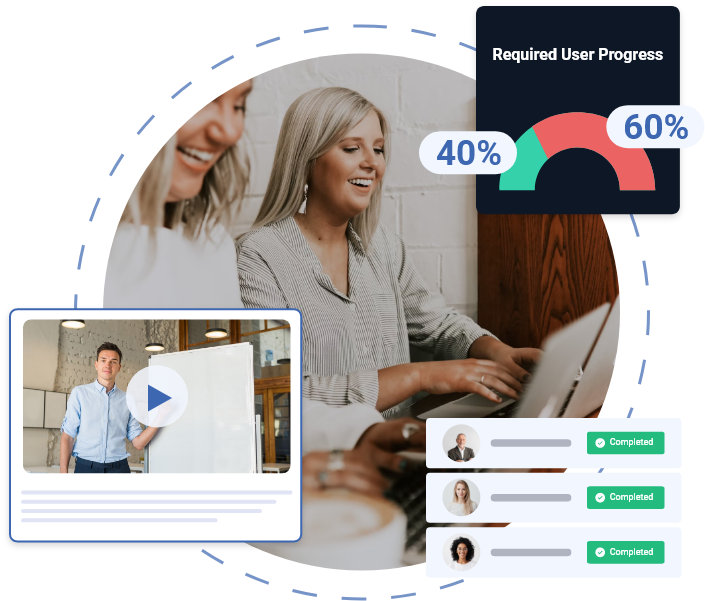
Creating procedures is pointless if staff don’t read them or work from outdated versions. OpsPal tracks exactly who has read each procedure and when, creating the accountability that Quest assessors and insurance providers require.
When you update a procedure — perhaps changing pool evacuation protocols, revising chemical handling guidance or implementing new customer service standards — the system immediately sends in-app bell notifications to affected staff and requires them to acknowledge they’ve read the changes.
This is particularly valuable for multi-site operators where consistent procedure adherence is essential for safety and service quality. If you update the normal operating procedure for pool plant operations, you can ensure every pool technician across every leisure centre has read and understood the changes before they next work alone in a plant room.
Staff induction procedures live in one place, with new starters automatically assigned the procedures relevant to their role. Managers can see exactly what information new lifeguards, gym instructors or receptionists still need to review, streamlining onboarding and ensuring nobody starts work without reading critical safety procedures.
Version control is managed automatically with before/after comparison showing exactly what changed (red highlighting for deleted content, green for additions). Staff always access the current version, and you maintain a complete audit trail of who read which version and when. The visual differences makes it immediately clear what’s new or modified, helping staff focus on the changes that affect their work
Staff acknowledgement is tracked if procedures are updated or if staff members haven’t yet read them. The dashboard shows compliance at a glance: you can see which team members have outstanding readings across your entire operation, and the system includes these in the weekly email reminder sent to anyone with outstanding tasks or readings
Enable self-directed learning across your leisure operation
Reducing training time and costs whilst maintaining high standards is possible when staff can access procedures on-demand for self-directed learning. Research shows that on-the-spot training access reduces staff turnover by empowering team members to find answers independently rather than constantly interrupting busy managers.
When new employees join your leisure centre, assign them to their site, department, and team. Their individual user area immediately populates with all procedures relevant to their role — swimming pool operating procedures for lifeguards, gym equipment guides for fitness instructors, reception protocols for front-of-house staff.
Add instructional videos alongside written procedures. A video showing proper pool chemical handling techniques complements your written chemical safety procedure. Equipment maintenance demonstrations support your guides for inspecting gym equipment. New starters can watch, read and learn at their pace, then return to specific procedures whenever they need a refresher.
Organise procedures into logical categories that match how your operation works. Group all pool procedures together (water testing, plant operations, emergency responses, cleaning protocols). Create separate categories for gym operations; children’s activities; facility maintenance; and customer service. Staff locate what they need quickly without scrolling through irrelevant documents.
-
Lifeguards: Access specific water safety and rescue protocols.
-
Duty Managers: View full site supervisory guidelines and opening/closing checks.
-
Reception Team: Access customer service and complaint handling flows.
The result: every staff member trains to the same high standard every time, procedures are accessible in the moment they’re needed, and managers spend less time answering the same questions repeatedly.
Frequently Asked Questions
How do you transition from paper procedures to digital operations?
Transitioning from paper procedures to digital operations with OpsPal is a phased process that typically takes 2-8 weeks, starting with high-impact documents and gradually digitising your entire operational library without disrupting day-to-day services. The key is identifying which procedures cause the most frustration or compliance risk in their current paper format, such as emergency response protocols that staff can’t access quickly or opening/closing checklists that vary between team members.
The transition begins with document migration. OpsPal’s team helps transfer your existing procedures into the digital platform, or you can copy and paste content directly from Word documents and PDFs. This isn’t just a straightforward transfer; it’s an opportunity to improve clarity, add visual aids, embed training videos, and link related documents. A paper pool testing procedure might become a digital version with step-by-step photos, video demonstrations of test kit usage, automatic recording of results, and direct links to corrective action procedures if readings fall outside parameters.
Staff training happens concurrently but requires minimal time investment. Most team members need just 6 minutes of guided training to navigate the digital system, find their assigned procedures, and complete tasks. The mobile-first design means staff engage with procedures on familiar smartphone interfaces rather than learning complex software, reducing resistance to change. Starting with a small pilot group (perhaps one shift team or department) allows you to gather feedback and refine the approach before rolling out organisation-wide.
The phased approach means you don’t need to digitise everything immediately. Many leisure centres start with critical procedures like pool plant operations, emergency evacuations, and health and safety protocols, then gradually add routine tasks like cleaning schedules, equipment maintenance, and administrative processes. Throughout the transition, paper and digital systems can run in parallel until confidence builds, though most organisations find staff prefer the digital version so quickly that paper procedures become redundant within the first month.
Can we add video and images to digital procedures?
Yes, OpsPal fully supports video and images within digital procedures, allowing you to create rich, multimedia operating instructions that are far more effective than text-only documents. This capability is particularly valuable for leisure operations where visual demonstration often communicates tasks more clearly than written descriptions, such as showing proper pool plant valve sequences, demonstrating correct lifting techniques for manual handling, or illustrating emergency first aid procedures.
Videos can be embedded directly into procedure steps, appearing alongside text instructions. A pool water testing procedure might include a 60-second video showing exactly how to collect a water sample, use the test kit correctly, and interpret results, eliminating the ambiguity that comes from written descriptions like “take a representative sample from elbow depth.” These videos can be recorded on smartphones by experienced staff members, uploaded to YouTube or Vimeo as unlisted videos, and embedded using simple links.
Images work equally well for static visual references. A gym opening procedure might include photos of the fire panel showing what normal status indicators look like, images of the defibrillator location and access code, and annotated diagrams of the HVAC controls. These visuals reduce training time for new staff, eliminate confusion during actual task performance, and ensure consistency across shifts and sites. Images are particularly effective for “before and after” comparisons in cleaning standards, correct equipment setup, and identifying safety hazards.
The practical benefit is reducing errors and increasing confidence. When a duty manager needs to isolate the pool plant during an emergency, having a video showing the exact valve sequence is infinitely more valuable than a written procedure stating “follow isolation protocol”. When a cleaner is uncertain whether a fitness area meets cleanliness standards, comparing their work to reference photos eliminates guesswork. The multimedia approach transforms procedures from documents people avoid reading into resources they actively use because they make work easier.
How does version control work for updated procedures?
OpsPal’s version control system ensures everyone always accesses the current procedural version while maintaining complete historical records of all changes for audit and compliance purposes. When you update a procedure, the new version immediately replaces the old one across all users and sites, preventing the common problem of different teams following outdated instructions because they printed old versions or bookmarked superseded documents.
The system automatically notifies affected staff when procedures change. If you update the pool plant start-up sequence, all lifeguards and duty managers receive alerts directing them to review the revised procedure before their next shift. This notification includes a summary of what changed, showing a simple before and after document. Anything taken away will be highlighted in red on the before document, and anything added will be in green on the after document, ensuring staff understand the modification rather than just acknowledging that something updated. Critical changes (like emergency procedures or safety protocols) will require staff to confirm they’ve read and understood the update before accessing other system features.
Historical versions remain accessible for audit purposes but are clearly marked as superseded, preventing accidental use. If an incident investigator needs to know what procedure was in place on a specific date, you can retrieve the exact version that was active during that period, showing the complete audit trail of who made changes, when they took effect, and which staff members had confirmed reading them. This historical record is invaluable during HSE investigations, insurance claims, or Quest assessments.
What happens when procedures change mid-shift?
When procedures change mid-shift, OpsPal immediately notifies on-duty staff through the notification bell for each user, ensuring safety-critical updates reach team members in real time even if they’re actively working. For most routine procedure updates, staff are informed of the change but can continue following the current version until their next shift, when the new procedure takes effect. For critical safety updates (like emergency response modifications or new hazard controls), the system can require immediate acknowledgement before staff continue working.
This real-time notification capability is crucial for leisure operations where circumstances change suddenly. If a pool plant fault requires an immediate modification to the water testing procedure, the duty manager can update OpsPal, and every lifeguard on poolside receives an alert within seconds, explaining what’s changed and what actions they need to take now. The same applies if a building evacuation procedure changes due to blocked fire exits, equipment failures, or discovered hazards that require immediate action.
The system distinguishes between different urgency levels by adding problems for instant alerts and updates that will send a bell notification in the product. Routine improvements (like adding a clarification to the cleaning procedure or updating a maintenance schedule) are flagged as “a notification in the user area”, allowing current staff to complete their work without disruption.
For managers, this creates confidence that updated procedures actually reach operational staff rather than sitting in an email inbox or pinned to a noticeboard that nobody reads. You can track exactly who has acknowledged the mid-shift change, send follow-up reminders to anyone who hasn’t responded, and escalate to supervisors if critical updates aren’t being acknowledged. This real-time communication transforms procedure management from a bureaucratic exercise into an active safety tool.
Can staff access procedures on mobile devices?
Yes, OpsPal’s mobile app allows staff to access it on any internet-enabled device, ensuring critical operational information remains available no matter where you are, like at home, on the road or in the office. This capability is essential for leisure operations because you cannot afford to have staff unable to access emergency procedures, pool testing instructions, or equipment operation guides.
All you need is an internet-connected device, and you will have a live feed to what is happening in the organisation. In this day and age with effective wifi repeaters, this means poolsides and plant rooms are available, and when checking in on the road, your mobile signal will work.
Book a Call With Our Team
We’re on hand for any questions you may have. Simply book a meeting using our booking system and we will talk you through any questions.